Two ways to update your Line.
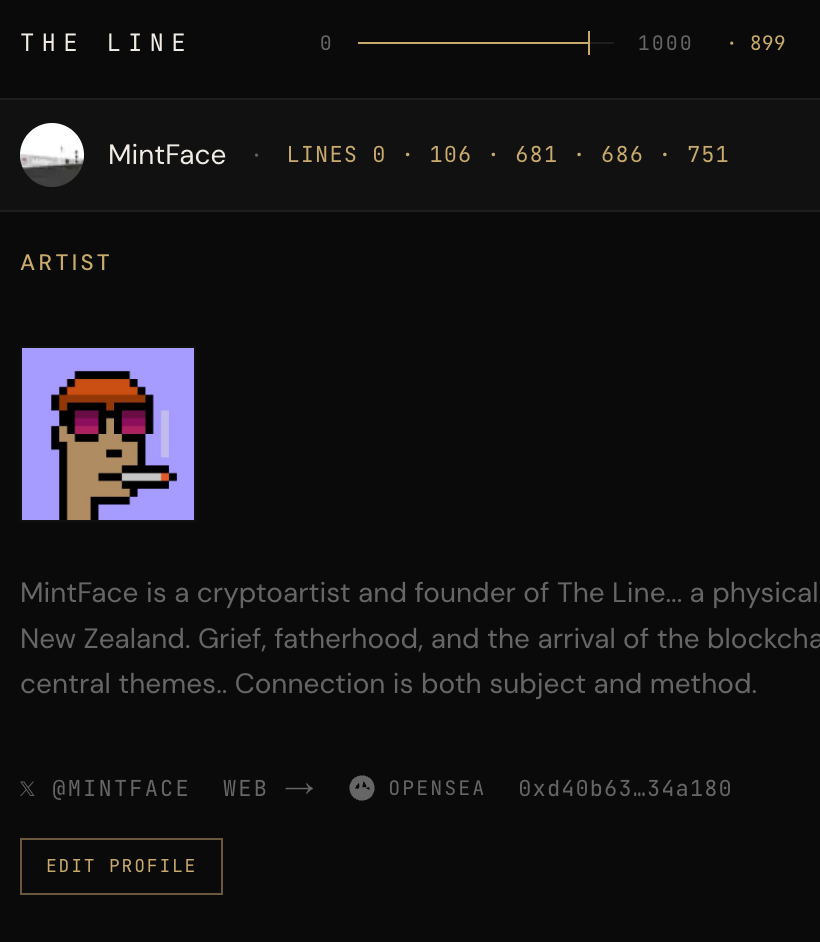
🪄 Update Your Line Profile
✅ Connect Wallet on theline.wtf
✅ Edit Profile
✅ Save Changes
Pro Tip: Artist description, profile picture, collect art link and X handle can all be updated directly from your profile page.
💥 Add New Artworks
✅ Connect Wallet on oncyber.io/linenumber — e.g. oncyber.io/line123 or oncyber.io/line87
✅ Switch to Edit Mode
✅ Choose art
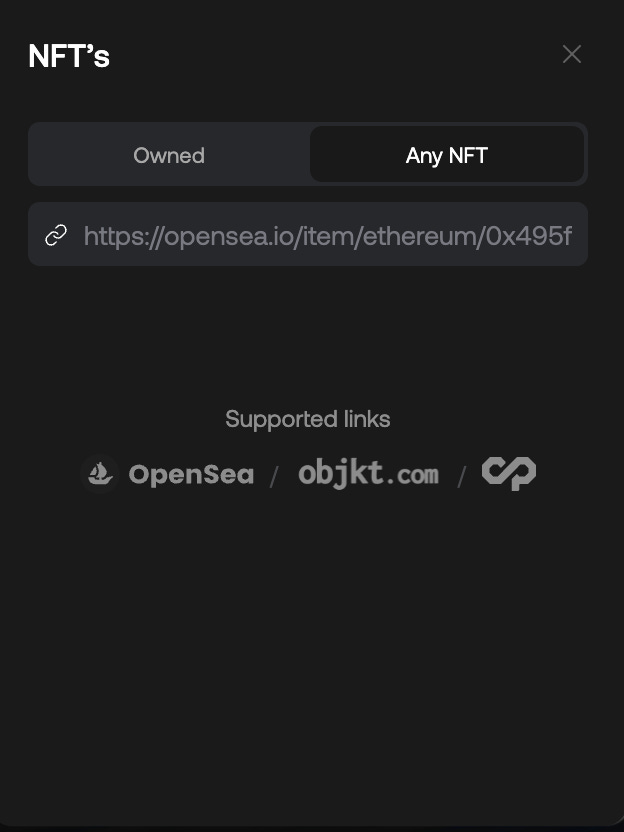
Pro Tip: The most reliable way to choose art is to paste OpenSea or Objkt links directly into the "Any NFT" tab. The Line supports both OpenSea and Objkt artwork links.
Get Help From Artists on The Line
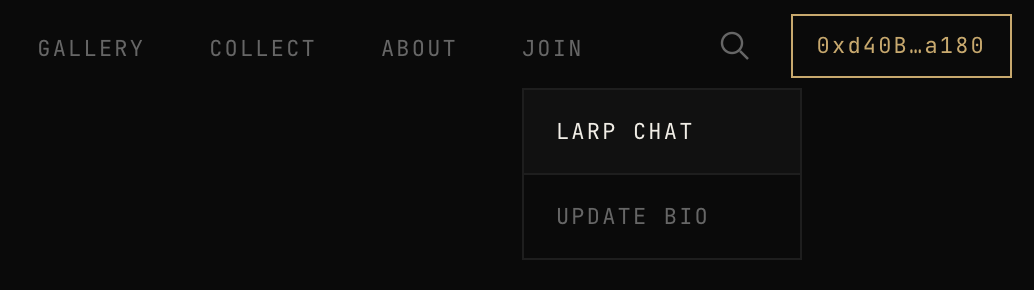
There is a Line Artist only chat where you can ask questions and get answers from fellow artists. LARP — Line Artists Rad Party — is token-gated and wallet-verified.
Share Your Line on X
Once your Line profile and art is updated, tag us at @thelinegallery on X or Instagram and we will amplify to collectoors.